Best Non GamStop Casino UK 2026
Loading...
Mobile Gambling at Non-GamStop Casinos
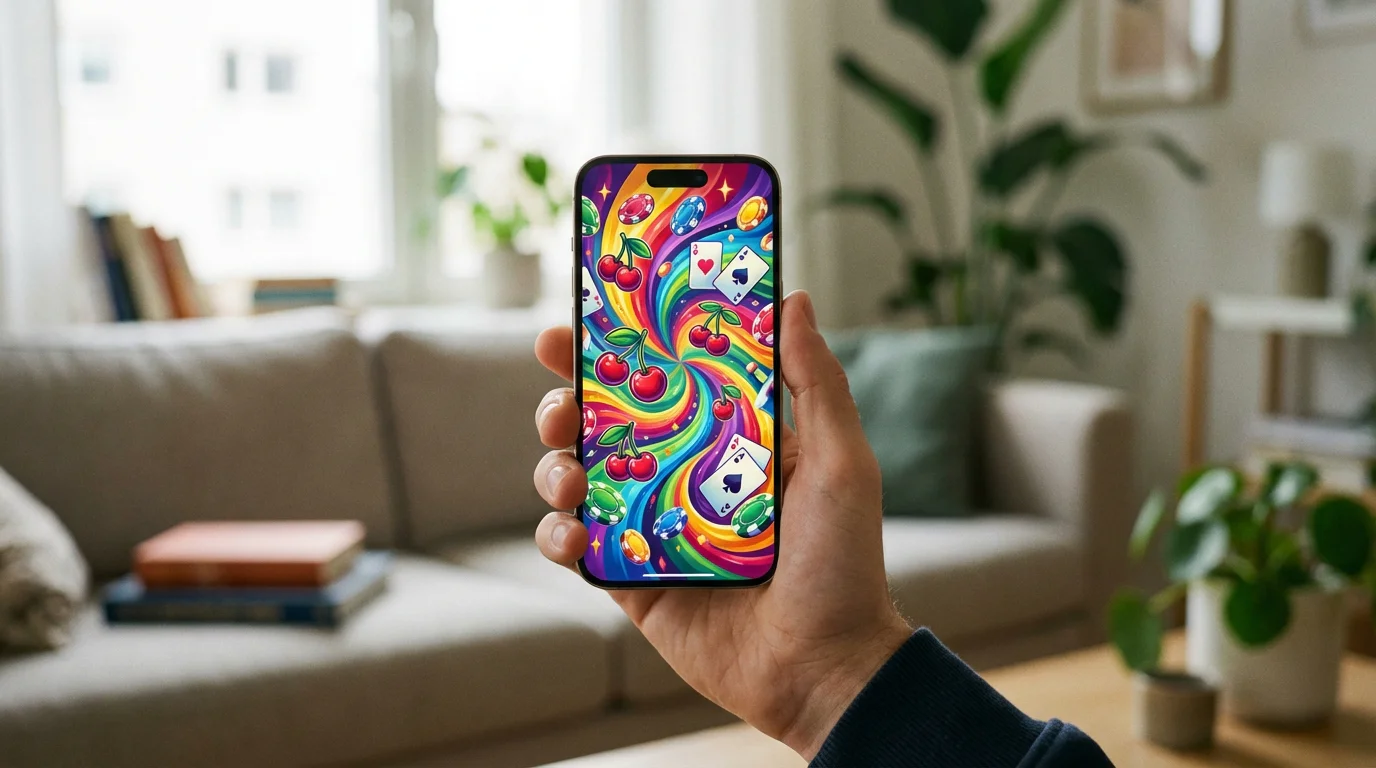
Most offshore casino traffic comes from phones — and the best operators design for it. The shift from desktop to mobile gambling happened years ago at UKGC-licensed sites. At non-GamStop casinos, the transition is equally complete. Player data from across the industry consistently shows that 60% to 75% of online casino sessions now originate on mobile devices. Any offshore operator that hasn’t optimised for mobile in 2026 is operating on borrowed time.
The mobile experience at non-GamStop casinos ranges from excellent to barely functional, and the gap between the two ends of that spectrum is wider than at UKGC sites — where regulatory standards and competitive pressure have pushed most operators toward a baseline level of quality. At offshore casinos, no such floor exists. A site might look polished on a desktop monitor and fall apart on a phone screen. Testing the mobile experience before depositing is the only way to know which category your chosen casino falls into.
Dedicated Apps vs Mobile Browsers
Most non-GamStop casinos don’t have app store listings — the mobile browser is the product. Apple’s App Store and Google’s Play Store both enforce policies that restrict gambling apps to operators licensed in the user’s jurisdiction. For UK users, this means only UKGC-licensed casinos can distribute native apps through the major app stores. Non-GamStop casinos operating under Curaçao, Anjouan, or other offshore licences are excluded from these platforms.
The workaround is the mobile-optimised website. When you visit a non-GamStop casino on your phone’s browser — Chrome, Safari, or Firefox — the site should load a responsive version designed for touchscreens. If it does this well, the experience is functionally indistinguishable from a native app: full-screen gameplay, smooth navigation, and integrated payment processing. If it does it poorly, you get a desktop layout squeezed onto a small screen with overlapping buttons and illegible text.
Some offshore casinos offer direct APK downloads for Android devices, bypassing the Play Store entirely. These files must be downloaded from the casino’s website and installed manually with your phone’s security settings adjusted to allow third-party app installations. The convenience of a home-screen icon and push notifications comes with the caveat that the app hasn’t passed Google’s review process. If you choose this route, download only from the casino’s official domain and verify the file integrity before installing.
Progressive Web Apps represent a middle ground. Some non-GamStop casinos support the “Add to Home Screen” function available in mobile browsers. This creates an icon on your phone that opens the casino’s website in a standalone browser window without the URL bar, mimicking a native app experience. No APK download is required, and the site updates automatically. It’s the cleanest solution for mobile access at an offshore casino and the one gaining the most traction across the market.
What to Expect: Loading, Navigation, and Game Performance
Touch-friendly navigation, fast game loading, and responsive layouts separate good mobile casinos from bad ones. These three factors determine whether playing on your phone is a pleasure or an exercise in frustration.
Loading speed depends on the casino’s hosting infrastructure and the efficiency of its code. A well-built mobile casino loads its lobby within three seconds on a standard 4G connection. Game tiles appear quickly, categories are navigable without delay, and selecting a game launches it within a few seconds. Sites that take ten or more seconds to load, or that display blank screens while assets download, are running on inadequate infrastructure — and that infrastructure deficit usually extends to other operational areas.
Navigation on mobile should be intuitive without a tutorial. The game lobby, deposit button, account settings, and support access should all be reachable within two taps from the home screen. Search functionality is essential at casinos with large libraries — scrolling through 3,000 game tiles on a phone without a search bar is a design failure. Filters for provider, game type, and popularity help further. The best mobile casinos get this right. The worst ones port their desktop navigation directly to mobile with no adaptation.
Game performance on mobile is largely dependent on the provider rather than the casino. HTML5 games from Pragmatic Play, NetEnt, Play’n GO, and Evolution are built for mobile from the ground up and perform well across modern smartphones. Older games or titles from smaller providers may stutter, display formatting errors, or crash during bonus rounds. If a game consistently underperforms on your device, it’s usually a provider-side issue rather than a casino-side one — though a casino that predominantly stocks poorly optimised games has made a curation choice that reflects on its quality standards.
Live casino on mobile deserves specific mention. Live dealer streams require stable internet connections and consume significant data. On a strong Wi-Fi connection, the experience is smooth — Evolution’s mobile-optimised tables, for instance, adjust the video feed and betting interface for portrait-mode play. On a patchy 4G connection, buffering and disconnections become likely. If live casino is a significant part of your play, test the stream quality on your typical connection before committing to a session. A disconnection mid-hand at a live blackjack table is more than an inconvenience — it can cost you the hand.
Making Deposits and Withdrawals on Mobile
Mobile payment flows should mirror desktop — if they don’t, the casino cut corners. The deposit and withdrawal process on a phone should be identical in function to the desktop version: same methods available, same limits, same processing times. Any discrepancy — a payment method missing on mobile that’s available on desktop, or a withdrawal option that only works through the desktop site — indicates that the mobile experience is an afterthought rather than a core product.
E-wallet deposits via Skrill or Neteller work seamlessly on mobile at most non-GamStop casinos, redirecting to the e-wallet provider’s mobile-optimised login page before returning to the casino. Card deposits require entering your card details on a mobile form, which should be formatted for phone keyboards with appropriate field spacing. Crypto deposits involve copying or scanning a wallet address — casinos that provide a QR code for mobile crypto deposits are accommodating the most common mobile workflow.
Withdrawals on mobile should offer the same options as desktop. If the casino requires KYC documentation, uploading photos from your phone should be supported directly — no need to switch to a desktop to complete the process. Camera integration for document scanning is a feature that better-equipped non-GamStop casinos include in their mobile interface.
Test on Your Phone Before You Trust With Your Money
If the site lags on mobile, the problems run deeper than the interface. A casino that hasn’t invested in mobile performance hasn’t invested in the infrastructure that supports everything else — payment processing, security, support systems, game integration. The mobile experience is a litmus test for operational quality.
Before depositing, load the casino on your phone. Browse the lobby. Open a game in demo mode. Check the deposit page. Navigate to support. If all of that works smoothly, the casino has built its mobile product properly. If any of it stutters, freezes, or requires pinch-zooming to read, consider that a preview of how the operator handles the things you can’t see — like withdrawal processing and dispute resolution.